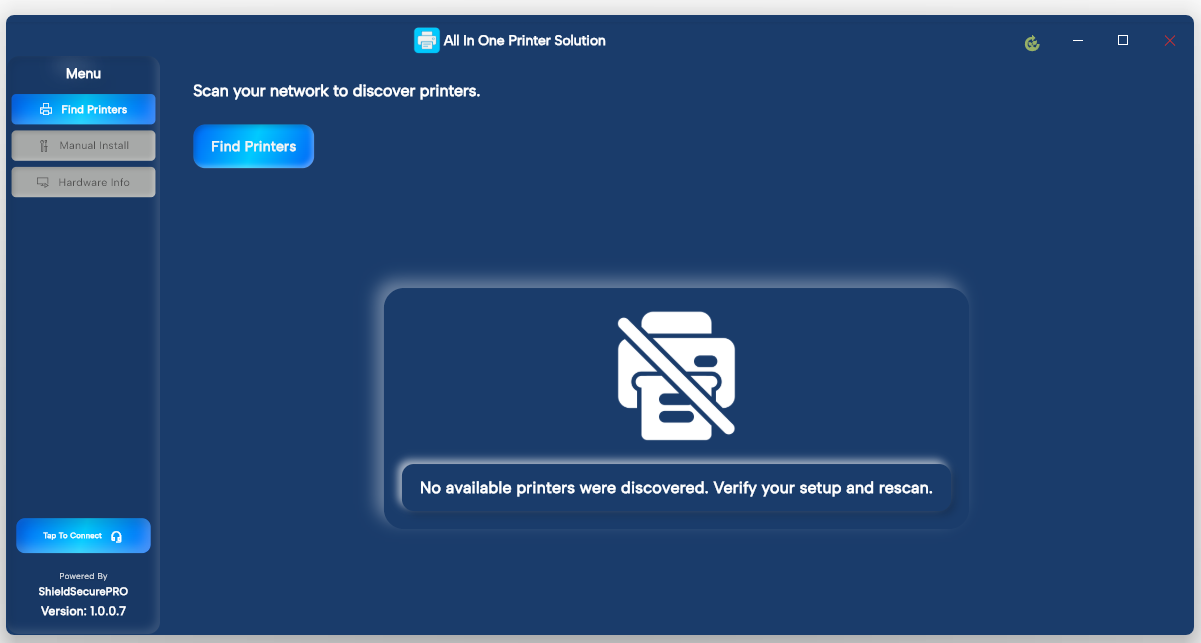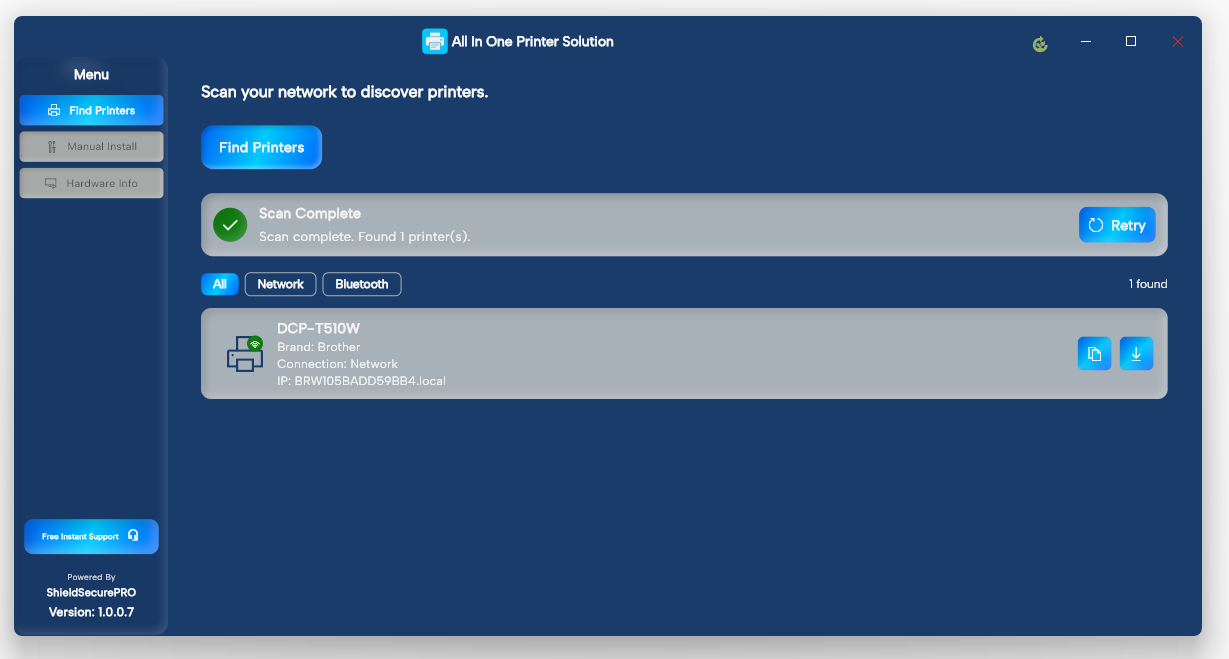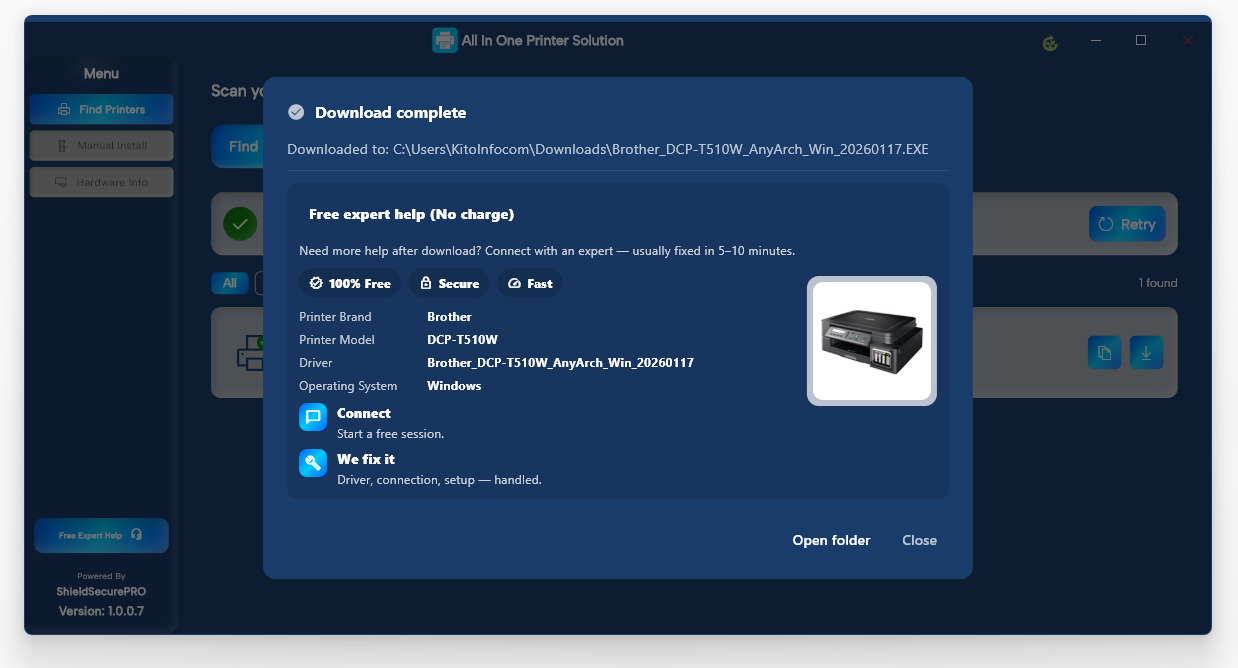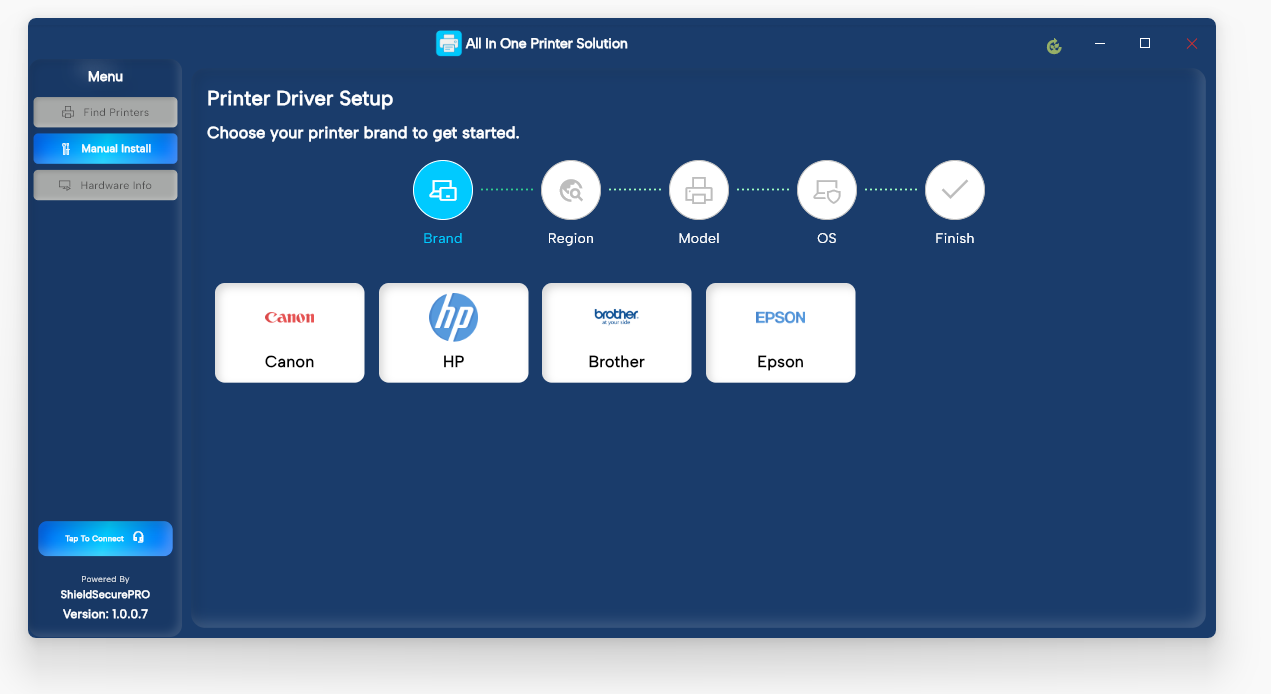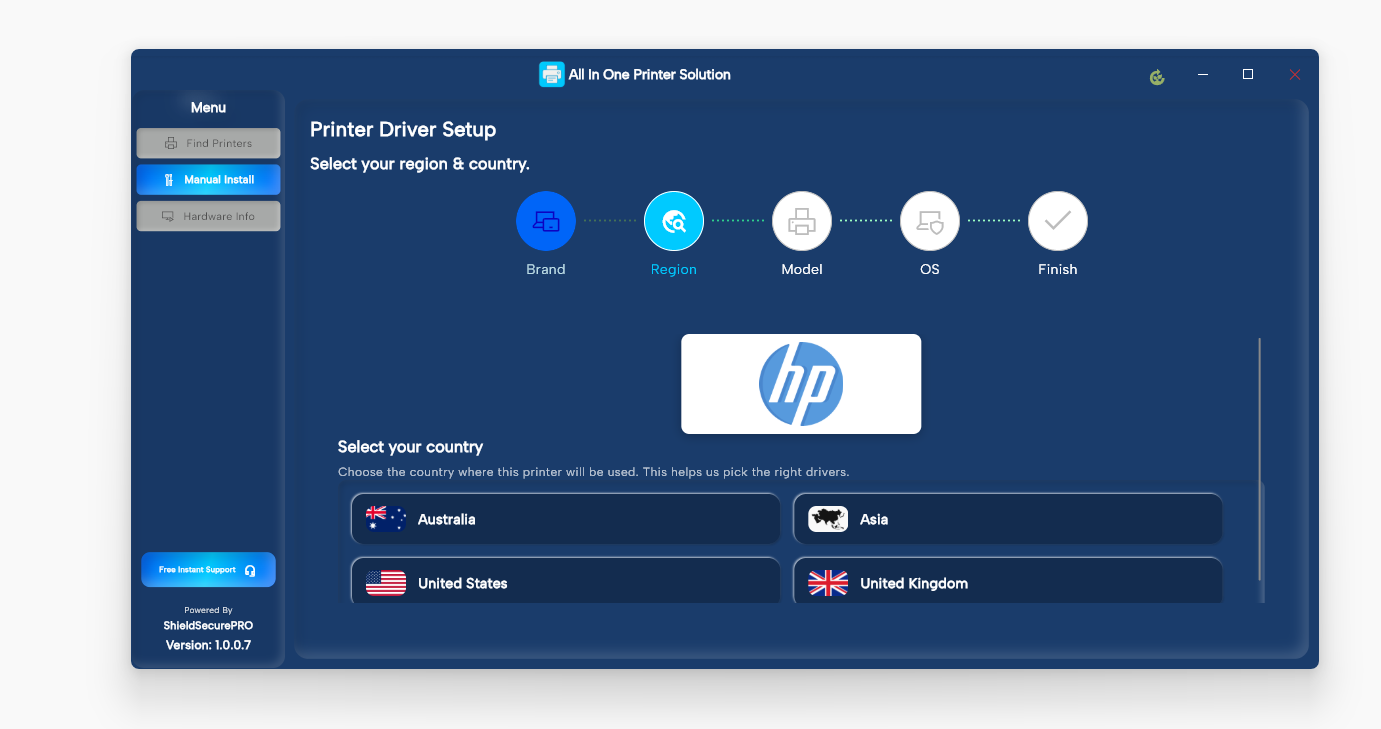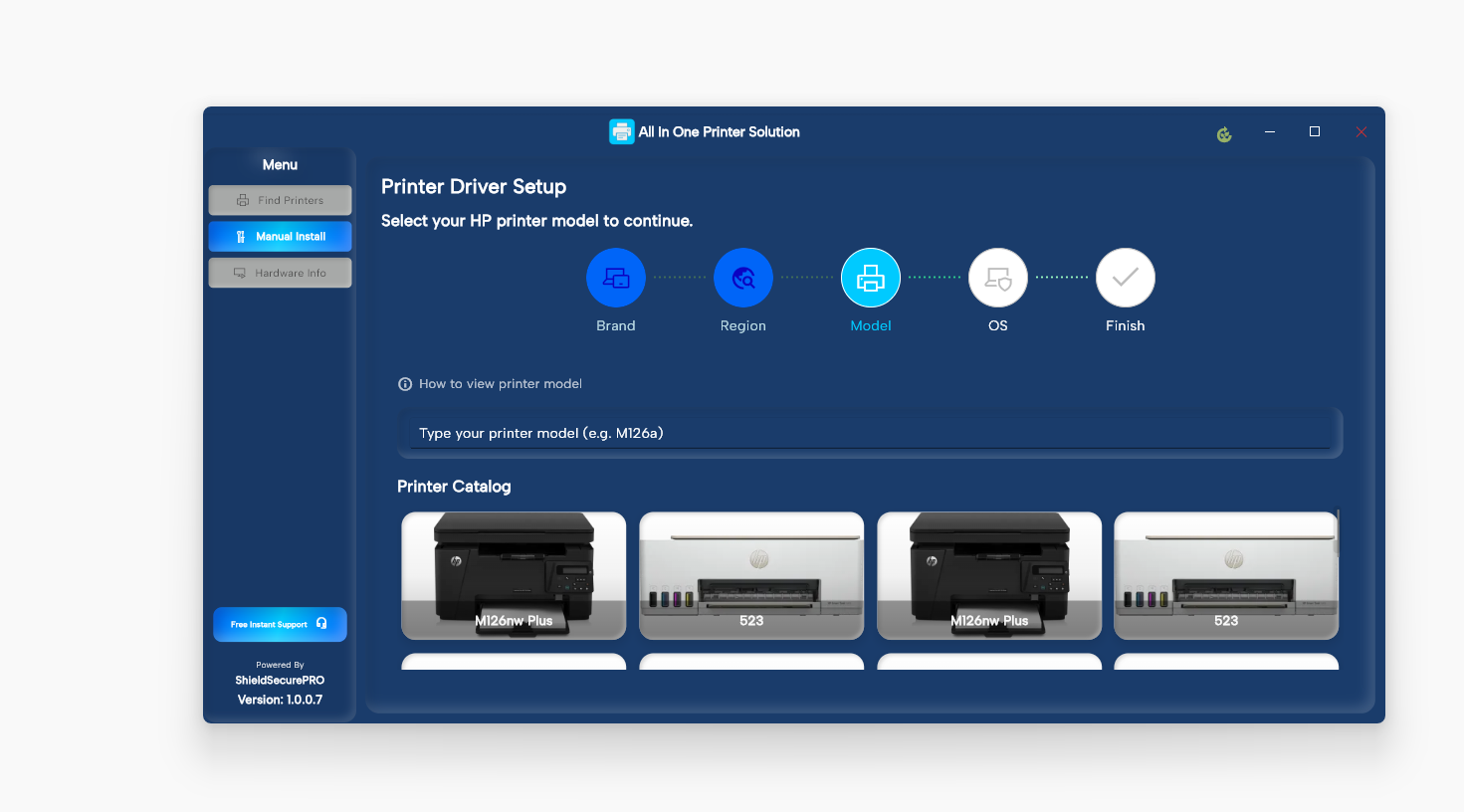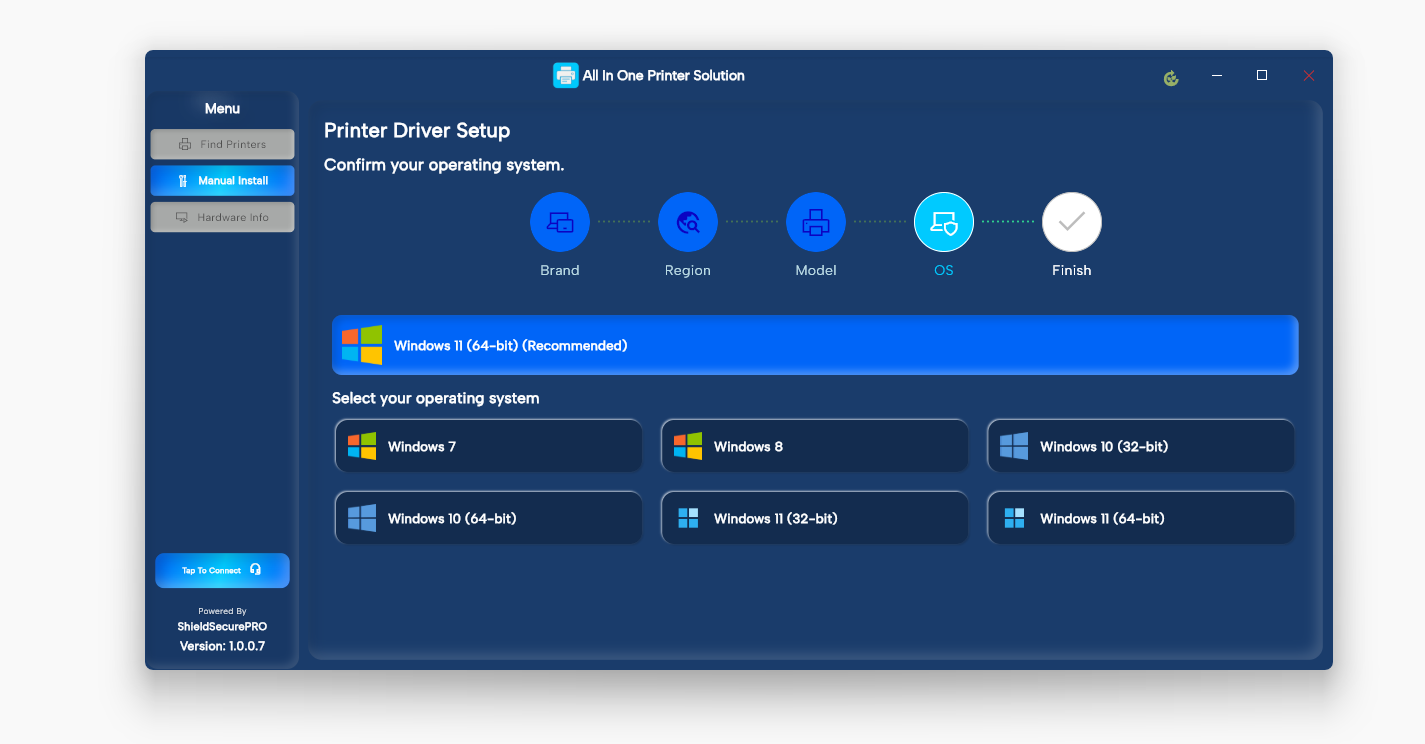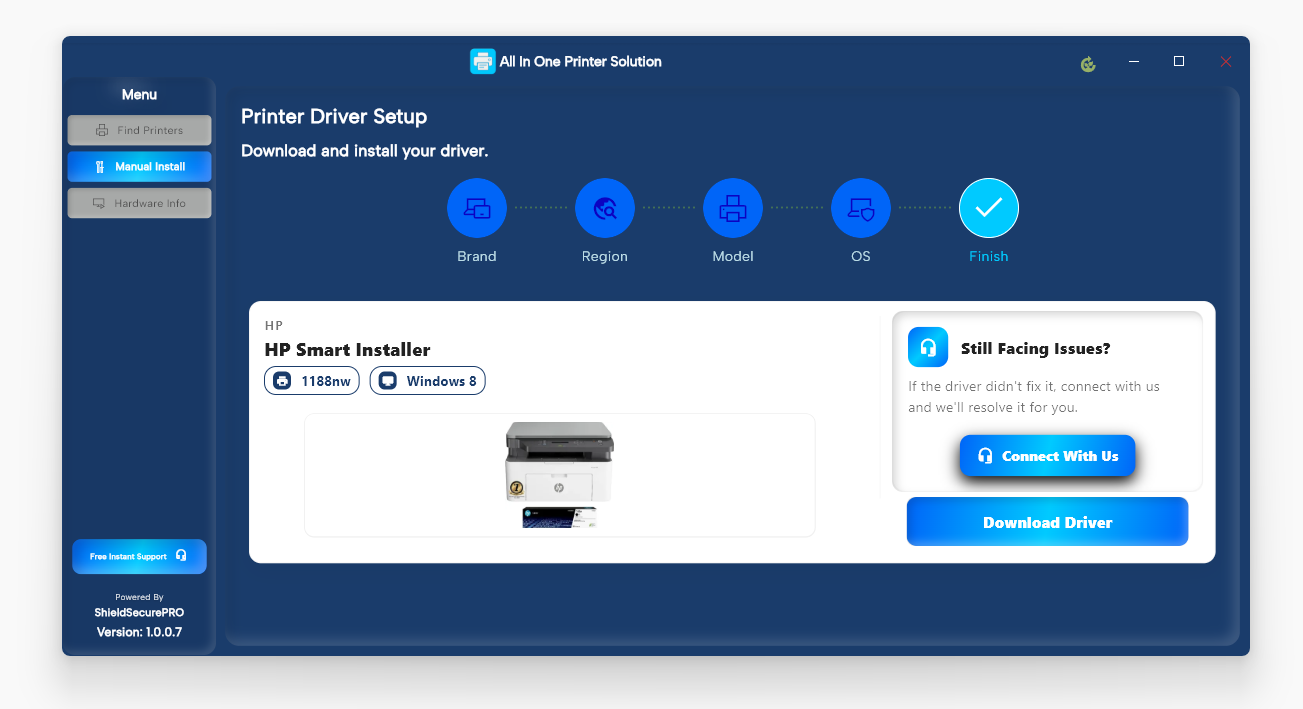
Built to help users identify compatible printer drivers and follow clear setup guidance across supported systems and brands.
Covers major printer brands and commonly used office and home printer models.
Easy-to-use interface that helps you review printer details and follow guided setup steps.
Provides structured instructions to assist with printer configuration and connectivity.
Directs users to manufacturer-supported resources for safe and reliable driver setup.
A simple and easy-to-use service designed to help users identify compatible printer drivers and
follow guided setup steps across supported systems and brands.
Official, manufacturer-verified packages for every workstation.
We assists in identifying connected printers and offers step-by-step guidance for manual configuration.
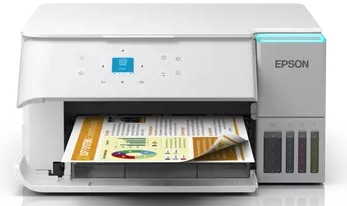
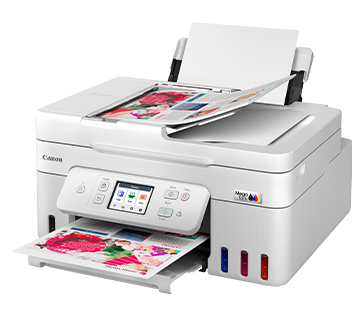
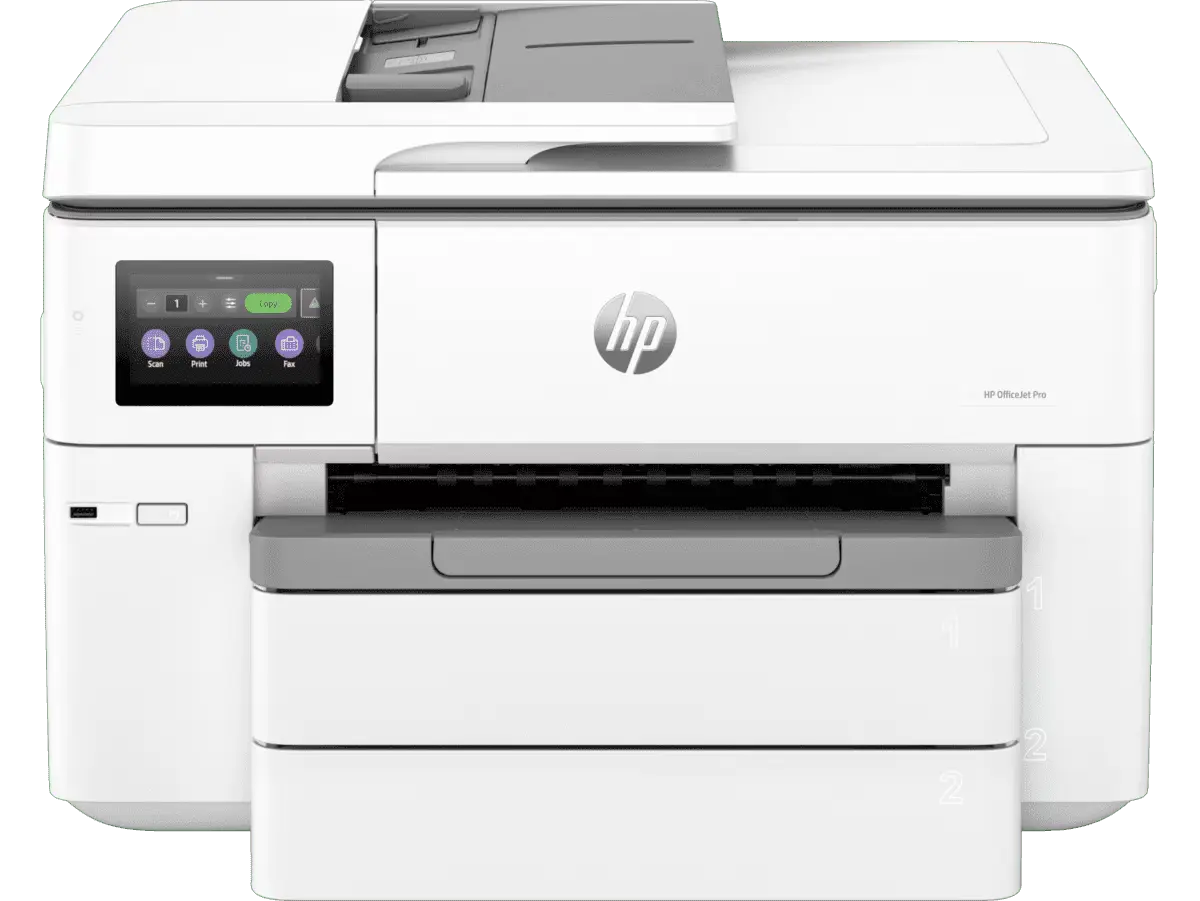
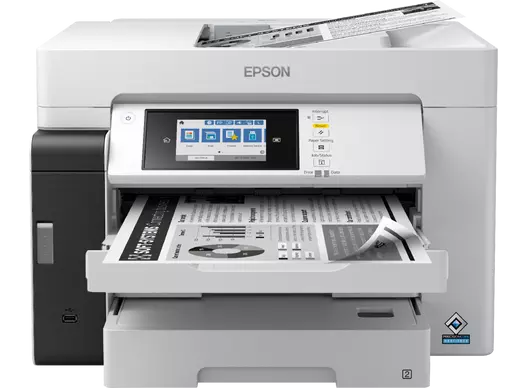
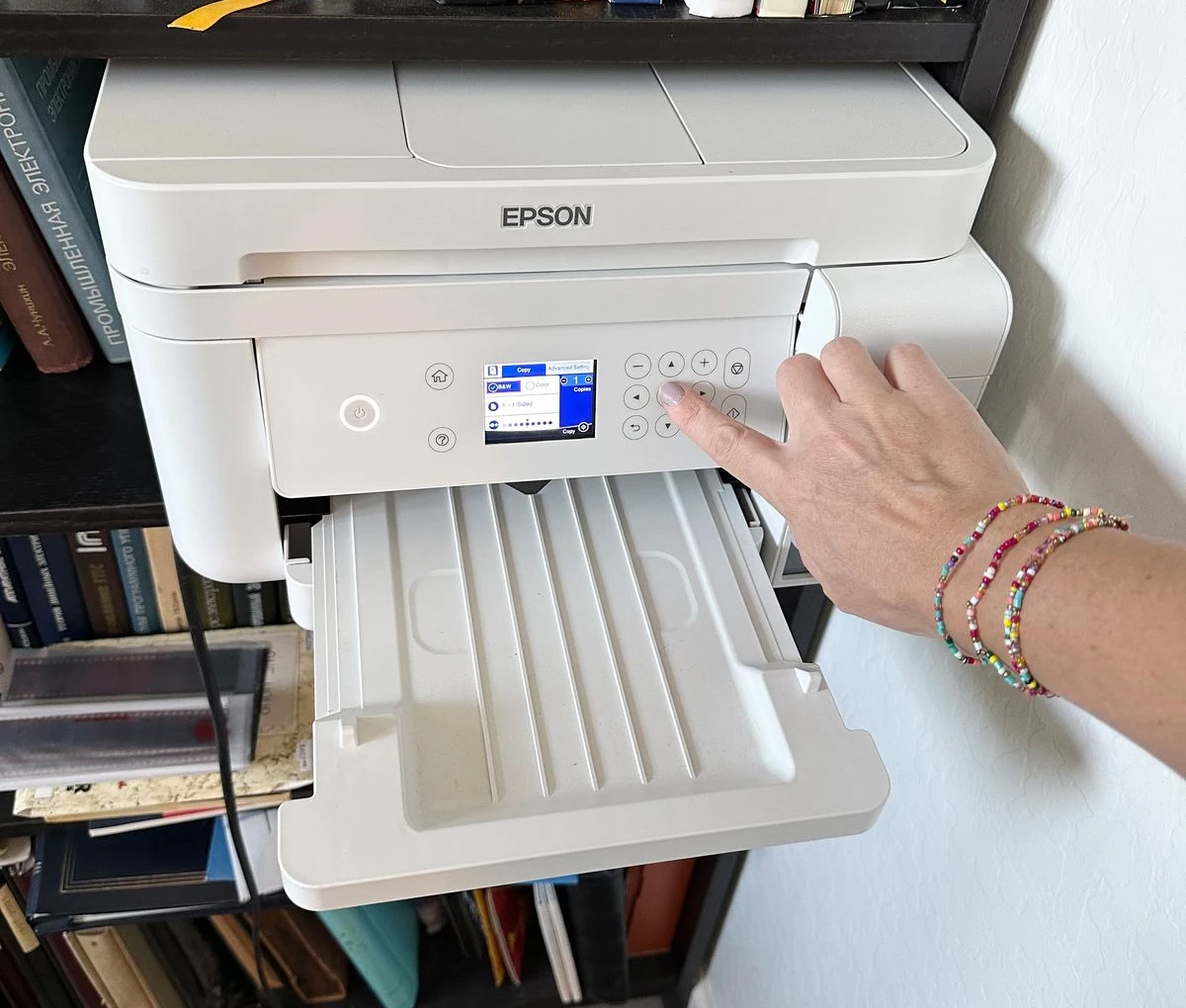
Supports leading printer brands such as HP, Brother, Canon, Epson, and more.
Simple troubleshooting steps to help identify, diagnose, and resolve everyday printer driver and connectivity issues quickly.
Run with administrator privileges and try again.
Check internet connectivity and verify the printer model number.
Restart the Print Spooler service and retry the scan.
Ensure the printer is powered on and properly connected via network.
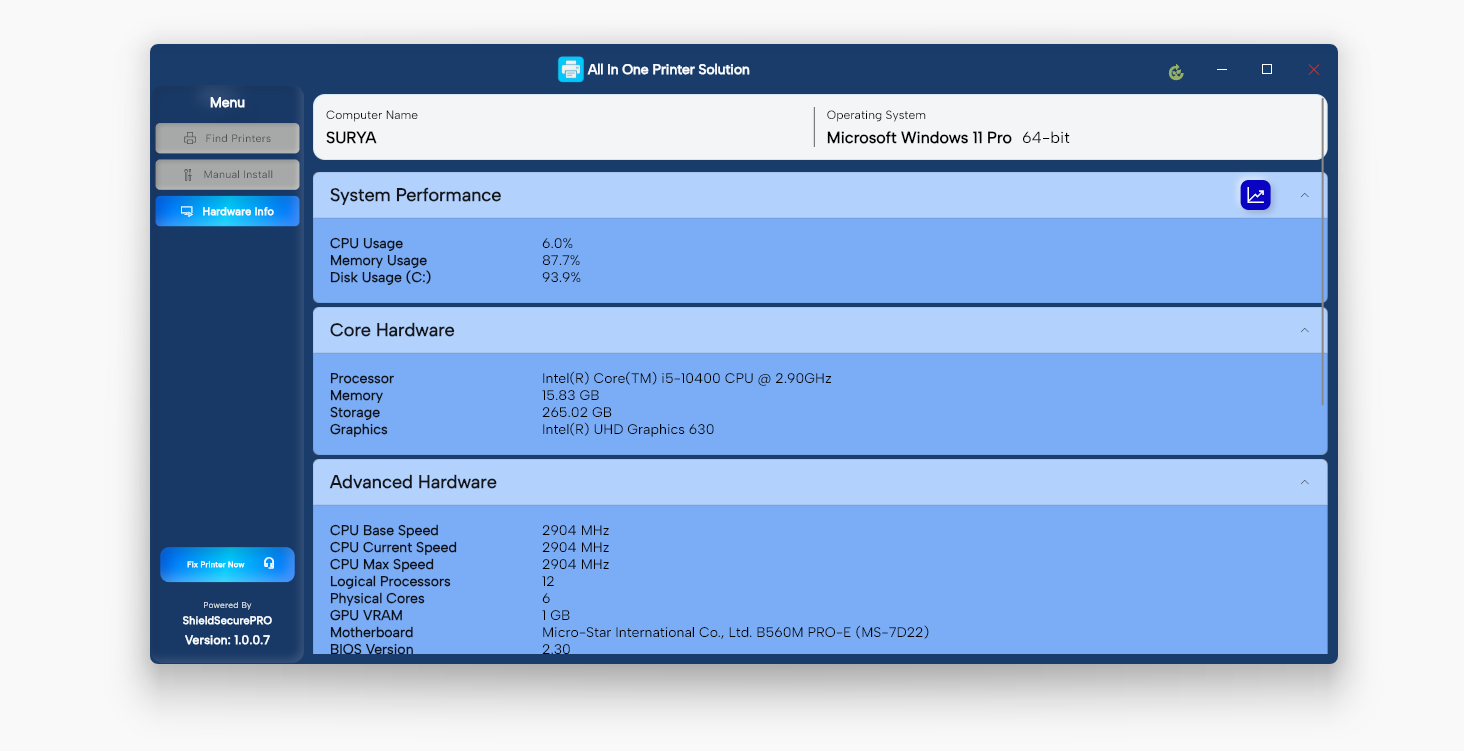
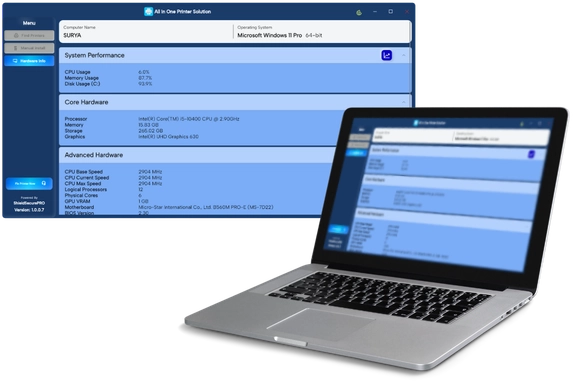
The PC Information page displays real-time system performance metrics and hardware details. This information helps you understand
your computer’s current state and identify potential issues.
CPU, memory, and disk usage in real time.
Shows how long your computer has been running continuously.
Displays operating system version and hardware specifications.
Provides network adapter information and current connection status.
Share what’s on your mind — whether it’s a quick question, technical issue, or big idea. Our responsive team will reply personally, listen carefully, and help move things forward quickly and effectively